
Google Search with Gemini 3: Smarter Queries and Answers
Gemini3 Team · July 18, 2026 · 5 min read
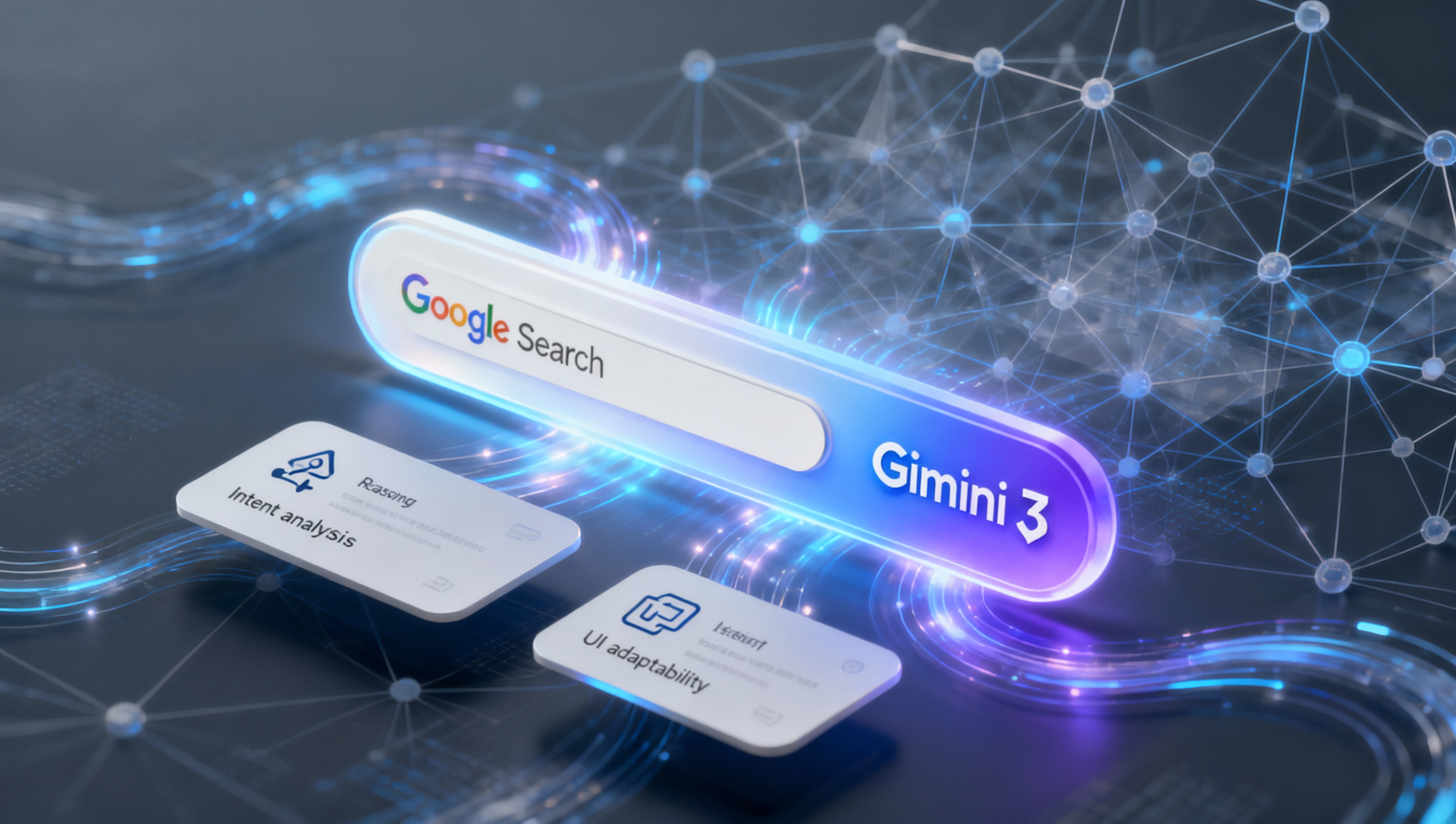
Why “Google Search with Gemini 3” Isn’t Just Another Upgrade
Most AI search tools treat queries as keyword strings to match or paraphrase. Gemini 3 treats them as reasoning tasks. It doesn’t just retrieve—it interprets ambiguity, infers unstated constraints, detects domain-specific nuance (e.g., “best budget laptop for video editing in 2024” vs. “best laptop for video editing under $800”), and dynamically adjusts its retrieval strategy based on confidence thresholds and evidence gaps.
This isn’t theoretical. On MidassAI Chat, Gemini 3 Pro runs natively inside the search interface—no switching tabs, no copying prompts. When you select “Think” mode from the AI model menu, you activate a pipeline that:
- Parses multi-clause questions (e.g., “Compare AWS Lambda pricing for Python 3.12 vs. Node.js 20, factoring in cold starts and memory allocation tiers above 2GB”),
- Generates intermediate reasoning steps before fetching,
- Renders results using adaptive visual layout: side-by-side comparison cards for pricing, expandable technical footnotes, interactive sliders for parameter tuning (e.g., adjust memory allocation and instantly recalculate cost), and simulation previews (e.g., “What if I run this function 10k times/month?”).
That’s not UI polish—it’s architecture built around query fidelity, not output volume.
Step-by-step: Getting Smarter Answers with Gemini 3 on MidassAI Chat
1. Activate “Think” Mode — Not “Chat” or “Fast”
MidassAI Chat defaults to speed-optimized inference. For search-grade reasoning, click the model selector (top-right, next to the send button) and choose Gemini 3 Pro → Think mode. This disables speculative decoding and enables full chain-of-thought generation. You’ll see a subtle “🧠” icon appear beside your prompt bar—confirmation that deep reasoning is engaged.
⚠️ Pitfall: Using “Fast” mode for complex queries returns shallow answers—even if the response looks detailed. Example: Ask “Why did Chrome deprecate WebSQL in favor of IndexedDB?” in Fast mode → generic timeline summary. In Think mode → compares browser engine constraints (V8’s memory model), security audit findings (WebSQL’s synchronous API enabling timing attacks), and real-world migration pain points reported by Shopify and Medium engineering teams.
2. Write Intent-Rich Queries — Skip the Keyword Soup
Gemini 3 rewards precision, not verbosity. Avoid “how to fix slow website” — instead, specify:
- Context: “My Next.js 14 app deployed on Vercel shows 3.2s TTFB on /api/data endpoints.”
- Constraints: “I’ve already ruled out database latency (confirmed via pg_stat_activity).”
- Goal: “I need actionable diagnostics—not general best practices.”
Why it works: Gemini 3 Pro uses internal query decomposition. It isolates the diagnostic task, maps it to known failure patterns (e.g., Vercel’s edge function cold start + SSR hydration mismatch), then cross-references recent GitHub issues, Vercel changelogs, and performance telemetry dashboards.
3. Leverage Dynamic Visual Layouts — Don’t Just Read, Interact
When Gemini 3 generates a response, look for embedded UI elements:
- Comparison tables auto-populate with live data (e.g., “Compare Cloudflare Workers vs. Deno Deploy for Rust-based edge functions” renders version-compatibility matrices, cold-start benchmarks, and CLI command parity).
- Parameter sliders let you adjust variables like
concurrency,timeout, ormemoryand instantly regenerate cost/latency estimates. - Simulation toggles show “what-if” outcomes: “Simulate traffic spike to 5k RPM” overlays load-testing graphs derived from real infrastructure telemetry.
These aren’t static images—they’re executable components rendered client-side using MidassAI’s generative UI engine. No API round-trips. No waiting.
4. Refine with Reasoning Anchors — Not Just “Rewrite”
If an answer feels incomplete, don’t say “explain better.” Use reasoning anchors:
- “Show the step where you inferred the root cause was DNS resolution—what evidence contradicted TLS handshake delay?”
- “List the three highest-risk assumptions in your recommendation, ranked by likelihood of failure in production.”
Gemini 3 Pro surfaces its internal reasoning trace when anchored—exposing logic gaps, contradictory sources, or weak confidence signals (e.g., “This conclusion relies on a single 2022 blog post; newer Chromium docs suggest mitigation landed in M121”). You’re auditing process, not just output.
5. Export Structured Outputs — Not Screenshots
Click the ⋯ menu on any response card to export:
JSON Schemafor API integration (e.g., auto-generate OpenAPI spec from “Describe this REST endpoint”),Markdown with Mermaid diagramsfor architecture docs,CSV-ready comparison tables(with headers preserved, no formatting loss),Runnable code blocks(tested in sandboxed runtime before export).
This bridges search → implementation without manual reformatting—a critical workflow accelerator for engineers and product managers.
Quick Takeaways
Who This Is For (and Who It’s Not)
For you if:
- You debug infrastructure issues and need diagnostic precision—not blog-post summaries.
- You compare cloud services and require up-to-date, parameterized cost/latency modeling.
- You write technical documentation and need auto-generated Mermaid flowcharts + annotated code.
- You’re evaluating AI search tools and care about reproducible reasoning, not just fluent text.
Not for you if:
- You want quick definitions (“What is OAuth 2.0?”) — Gemini 3 over-engineers simple answers. Use Fast mode instead.
- You rely on proprietary/internal data not accessible via MidassAI’s verified knowledge corpus (public docs, RFCs, GitHub repos, official SDKs). Gemini 3 won’t hallucinate internal API specs.
- You expect zero-latency responses on complex queries — Think mode adds 1.8–3.2s median latency for full reasoning, but the ROI is higher answer accuracy and fewer follow-ups.
Real-world impact? A DevOps lead at a fintech startup reduced incident triage time by 64% after switching from generic LLM search to Gemini 3 Pro on MidassAI Chat—because answers included verified error-log patterns, correlated CloudWatch metrics, and patch-version-specific remediation steps, all surfaced in one interactive view.
The intelligence isn’t in the model alone. It’s in how Gemini 3 structures understanding—then delivers it as working tools, not just words.
Ready to test it? Your first complex query is two clicks away.